IPTV Subscription Toronto: Your September 2026 Buyer's Guide
September 1, 2026 · 9 min read
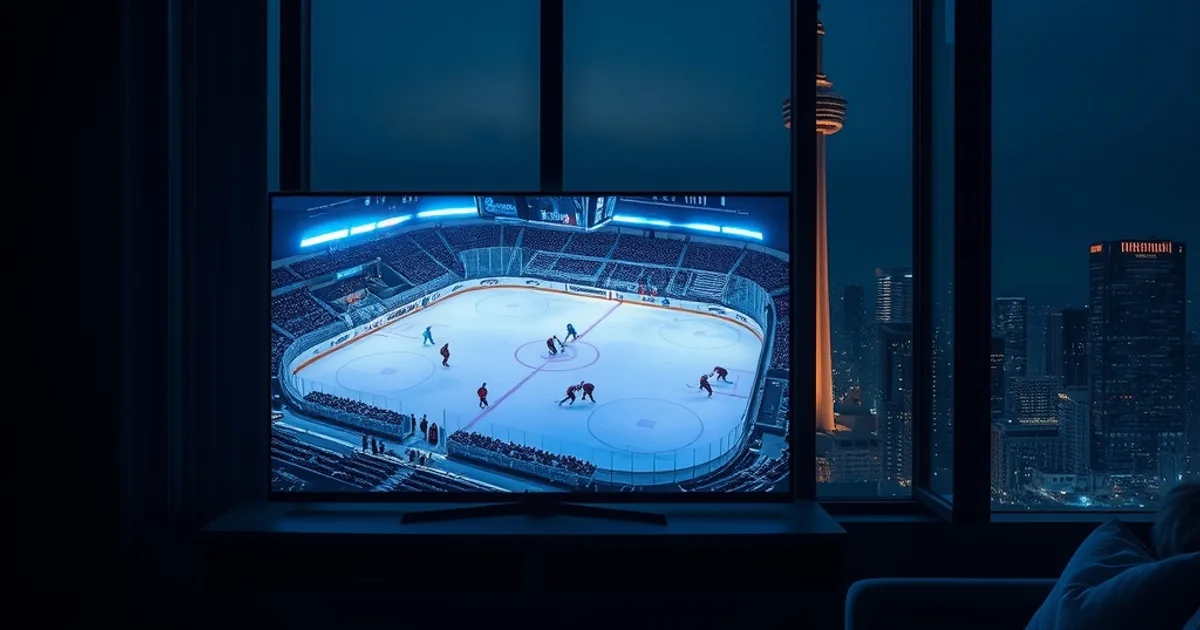
The 2026 NFL regular season kicks off Wednesday, September 9, and by the time Week 1's Sunday slate arrives on September 13, a lot of Toronto living rooms will already be testing whether their streaming setup can survive a full slate of games without stalling out. Then, on September 29, the Maple Leafs host the Montreal Canadiens at Scotiabank Arena to open the earliest NHL season in franchise history — a marquee date for the city's massive Habs-and-Leafs fanbase, and for anyone who wants RDS or Sportsnet Ontario working reliably before puck drop.
Toronto is not an easy market to write a generic IPTV guide for. The GTA runs on a handful of large ISPs — mainly Rogers and Bell — whose network management practices behave differently under load than a national review written for, say, a rural fibre connection in another province. On top of that, Toronto's channel needs are unusually layered: Sportsnet Ontario for Leafs and Raptors, RDS for the city's large Québécois and Montreal-transplant population following the Canadiens, TVA for French-language programming, and deep South Asian, Arabic, and Mandarin lineups that serve some of the largest diaspora communities in North America.
Most national IPTV reviews — the kind that rank services by a generic '30,000+ channels' headline — don't touch any of that. This guide does. It's built specifically for Toronto and the GTA: what to check before you buy, how Rogers and Bell connections behave differently under IPTV traffic, which regional channels actually matter here, and how to run a proper trial before committing to anything.
Why Toronto Viewers Need a Different IPTV Strategy
IPTV performance isn't just about the provider — it's about the path your stream takes to get to your TV. In Toronto, that path runs through one of a small number of last-mile ISPs, and both Rogers and Bell are known to apply traffic management (deep packet inspection, or DPI) that can deprioritize certain kinds of streaming traffic during peak hours, particularly evenings when everyone in the GTA is watching the same Leafs or Raptors game at once. A provider that streams flawlessly on a fibre connection in a smaller market can behave very differently on a congested Toronto node at 7:15 p.m. on a game night.
Regional content adds another layer. A 'national' channel count means little if the specific feeds a Toronto household actually watches — Sportsnet Ontario (not the generic Sportsnet feed), RDS for Canadiens games, TVA, and dedicated South Asian, Arabic, and Mandarin packages — aren't included or aren't stable. Toronto's population is genuinely one of the most linguistically diverse in North America, and a subscription that only ships an English-language sports tier is quietly failing a large share of local households.
Finally, there's seasonality. Toronto's sports calendar is nearly year-round — CFL through the fall, NFL crossover interest, NHL from late September, NBA from October, MLS with TFC — which means the 'test it once and forget it' approach doesn't work. What performs fine in a quiet August doesn't tell you how a service holds up when three major leagues are all in-season and Rogers/Bell traffic is at its heaviest, which is exactly the stretch starting now.
Not sure if your Rogers or Bell connection can handle live sports on IPTV?
The Toronto IPTV Buyer's Checklist: Sports, Channels, ISP Compatibility
Before comparing any providers, run through a short checklist specific to this market. First: does the service carry Sportsnet Ontario specifically, not just a generic national Sportsnet feed — the regional distinction matters for Leafs and Raptors broadcasts. Second: is RDS included for Canadiens games, and is it a full package rather than an add-on that gets quietly dropped from lineups? Third: does the multicultural tier match what your household actually watches — South Asian, Arabic, or Mandarin channels are often sold as a bundle add-on rather than baked into the base package, so check before assuming they're included.
Fourth, and most Toronto-specific: does the provider perform on your actual ISP, not just 'the internet' in general? Rogers and Bell handle sustained streaming traffic differently, and a provider's app or server routing that's optimized for one can stutter on the other. We cover exactly how to test this yourself in our isp-throttling-iptv-sports-test guide — it's worth running before you commit to a full subscription, not after.
Fifth: what's the actual device compatibility for a multi-room Toronto household — condo living rooms and basement setups often run different hardware than a suburban home theatre, and not every service performs identically across an Android box, a Fire Stick, and a smart TV app. Our best-iptv-box-canada guide breaks down which hardware holds up best for GTA connections specifically.
Top IPTV Subscriptions for Toronto: Tested on Rogers & Bell
The honest answer to 'which provider is best in Toronto' isn't a single name — it's whichever service holds a stable connection on your specific ISP during peak hours, because that's where most Toronto complaints actually originate. Before trusting any provider's marketing claims about channel counts or uptime, treat your own connection as the test bench: run the same service on a wired connection versus Wi-Fi, during a weeknight game versus a quiet afternoon, and compare.
As a starting framework, weigh providers on four axes rather than one: stability under Rogers/Bell peak-hour load, whether Sportsnet Ontario and RDS are genuinely included (not add-ons), how the multicultural lineup matches your household's languages, and how the service behaves across multiple simultaneous streams if more than one TV in the house will be active on game day. A service that wins on channel count but loses on stability during a Saturday night Leafs game isn't actually the better choice for this market.
If cable-versus-IPTV is still an open question for your household — some Toronto viewers are switching from Rogers or Bell TV packages specifically to escape rising cable costs — our iptv-box-vs-cable-honest-test walks through what actually changes (and what doesn't) when you make that switch.
Trial Strategy: How to Test Before Committing
Don't skip the trial step, and don't treat it as a formality — for a Toronto household, the trial period is the only real way to confirm a service handles your specific ISP and building's wiring under actual game-night load. Short trials (roughly a day) are useful for a quick stability gut-check but won't catch peak-hour throttling, since you may not hit a live primetime sports window during the window you have. A longer trial that spans at least one weeknight game and one weekend afternoon slate gives a much more honest picture.
During any trial, specifically test the channels you actually care about — not the demo content the provider highlights. Load Sportsnet Ontario or RDS during an actual live broadcast, not a replay, since live sports streams stress a connection differently than on-demand content. Watch for buffering patterns rather than just outright failures: intermittent stutter that appears only during high-action moments (a goal, a big play) is a classic sign of bandwidth contention on a congested ISP node, and it's exactly the kind of issue a five-minute demo won't reveal.
Also test on the actual hardware and network setup you'll use long-term — if game day means multiple TVs running at once, trial it that way. A service that's flawless on one stream over Wi-Fi can behave very differently once a second or third TV joins in another room.
Solving Toronto's #1 Problem: Buffering During Maple Leafs & Raptors Games
The single most common complaint from Toronto IPTV users isn't channel selection — it's buffering during exactly the moments that matter most, live third-period hockey or fourth-quarter basketball. The root cause is almost always one of three things: Wi-Fi congestion inside the home, ISP-level traffic management during peak hours, or an underpowered streaming device struggling to decode a high-bitrate live feed in real time.
The single highest-impact fix, and the one most Toronto users skip, is running your streaming device on a wired Ethernet connection instead of Wi-Fi. Condo buildings in particular tend to have dense Wi-Fi interference from neighbouring units, and a wired connection removes that variable entirely. Our fix-iptv-buffering-ethernet-guide walks through the exact setup, including options for households where running a cable to the TV isn't practical.
If buffering persists even on a wired connection during specific games, that points toward ISP-side throttling rather than a home network issue — which is where testing your Rogers or Bell connection directly, as covered in our isp-throttling-iptv-sports-test guide, becomes the next step rather than assuming the provider itself is at fault.
Multi-Room Setup for Game Day: Watching Across Your Toronto Home
Game day in a lot of Toronto households means more than one screen active at once — the Leafs in the living room, a second stream in a basement rec room, maybe a kids' show running upstairs while the adults watch sports. That's a very different technical demand than a single-TV household, and it's worth planning for before a subscription decision, not after.
The key variables are how many simultaneous streams your plan supports, how your home network distributes bandwidth across rooms, and whether each device is wired or fighting for Wi-Fi spectrum. In older Toronto homes and many condo units, running Ethernet to a second or third room isn't always realistic, which makes a wired backbone with a wireless access point per floor (rather than relying on a single router) a common practical solution.
Our iptv-multi-room-setup-guide covers the full setup end to end, including how to avoid one device's stream degrading another's during a shared peak-hour window — which is the exact failure mode most multi-room Toronto households run into on a big game night.
Get a plan built for Toronto's ISPs and regional channels before the Leafs' September 29 opener.
Comparing Cost vs Reliability: Which Toronto IPTV Plan Is Actually the Best Value?
The cheapest plan and the best-value plan are rarely the same thing once you factor in what a Toronto household actually needs: stable performance on Rogers or Bell during peak hours, genuine inclusion of Sportsnet Ontario and RDS rather than paid add-ons, and multicultural channel coverage that matches your household. A lower sticker price that requires a paid regional-sports add-on or drops frames during every Saturday night game isn't actually cheaper once you account for the frustration and the inevitable switch to something else.
The better framework is to weight reliability during your actual highest-stakes viewing windows — playoff hockey, marquee Raptors games, a Habs-Leafs matchup — more heavily than headline channel counts. A service that's rock-solid for the handful of nights a season when the whole household is watching is worth more than one that's marginally cheaper but unreliable exactly when it matters.
With NFL crossover interest rising in Canadian sports viewership and CFL still in full swing, it's also worth checking how a provider handles football specifically — our stream-cfl-nfl-iptv-canada-2026 guide breaks down what to look for if football, not just hockey and basketball, is a priority for your household this season.
Frequently asked questions
Does Rogers or Bell throttle IPTV traffic in Toronto?
Both ISPs use traffic management practices that can affect sustained high-bitrate streaming during peak hours, though the effect varies by connection, building, and time of night. Rather than assuming throttling is happening, test your specific connection directly during a live game — our isp-throttling-iptv-sports-test guide shows how.
Which channels actually matter for Toronto sports fans?
Sportsnet Ontario specifically (not just the national Sportsnet feed) for Leafs and Raptors coverage, and RDS for Canadiens games given Toronto's large Montreal-connected population. Confirm both are genuinely included in a plan rather than sold as separate add-ons before subscribing.
When does the 2026-27 NHL season start for the Maple Leafs?
The Maple Leafs open the earliest regular season in franchise history on Tuesday, September 29, 2026, hosting the Montreal Canadiens at Scotiabank Arena — a good target date to have your setup fully tested by.
How long should I trial an IPTV service before committing in Toronto?
Long enough to cover at least one weeknight live game and one weekend afternoon slate, since peak-hour ISP conditions differ from quiet daytime testing. A trial that only covers off-peak hours won't reveal how a service performs when Rogers or Bell traffic is heaviest.
Do I need Ethernet instead of Wi-Fi for reliable IPTV in a Toronto condo?
It's the single highest-impact fix for buffering, especially in condo buildings where dense neighbouring Wi-Fi networks cause interference. See fix-iptv-buffering-ethernet-guide for a practical setup, including options when running a cable isn't feasible.
Can one IPTV subscription handle multiple TVs on game day?
It depends on the plan's simultaneous-stream limit and your home network's ability to distribute bandwidth without one room's stream degrading another's. Our iptv-multi-room-setup-guide covers how to set this up properly for a multi-screen Toronto household.